Retrieving and sending data
In this step of the tutorial, we will build some real logic in the package. It will fetch some data from an external system, process it, and send the results to another external service.
As a stand-in for an external system that provides data, we'll use the free DummyJSON service. We will use Webhook.site to send the results.
First, create the accounts corresponding to these two services.
Go to the Accounts tab, and create two new accounts as follows.
-
The DummyJSON account has the following fields:
- Name:
DummyJSON - Account type:
HTTP - Base URL:
https://dummyjson.com - Content type:
application/json - Authentication:
None - or part of base URL
- Name:
-
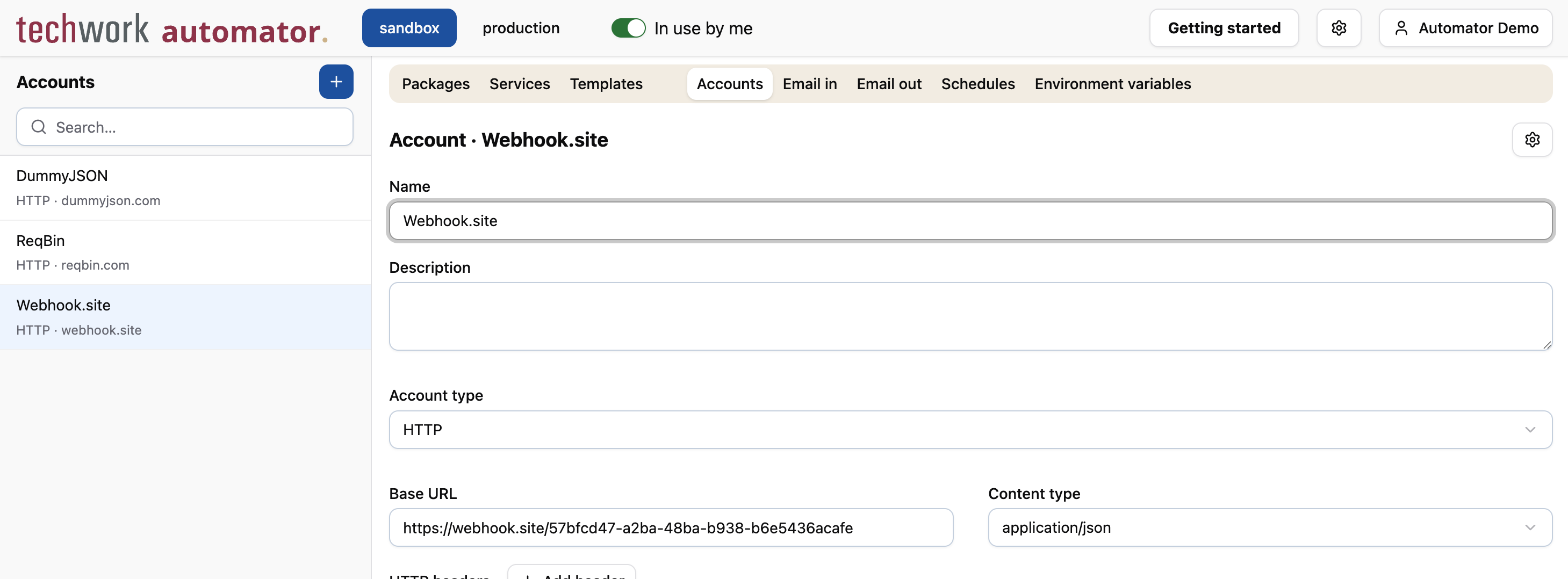
The Webhook.site account has the following fields:
- Name:
Webhook.site - Account type:
HTTP - Base URL: Go to https://webhook.site/ and copy the URL listed under "Your unique URL"
- Content type:
application/json - Authentication:
None - or part of base URL
- Name:
Next, we will adjust the code of the package to make use of these accounts.
Go back to Packages and switch to the Script tab of the My First Package package.
Add the following code at the end of the package and press Save.
const response = rest_get("/products", "DummyJSON");

const products = response.products.slice(0, 10);
const productTitles = products.map(product => product.title);
log("Products", productTitles);

rest_post("/", { products: productTitles }, "Webhook.site");
Let's go over the code line by line to understand what it does. First:
const response = rest_get("/products", "DummyJSON");
This line fetches the products from the DummyJSON service via the products endpoint. It uses the rest_get function to do so. This function takes the path to the resource, and the name of the account to use.
Because we configured the Base URL of the DummyJSON account to be https://dummyjson.com, we don't need to specify it in
the call to rest_get. Similarly, suppose that the service required authentication, we would have specified the
credentials in the account, and the call in the package script would have been exactly the same: the automator takes
care of authenticating in the correct way.
The response from DummyJSON looks something like this:
{
  "products": [
    {
      "id": 1,
      "title": "Essence Mascara Lash Princess",
      "...": "..."
    },
    "..."
  ]
}
Moving on to the next few lines:
const products = response.products.slice(0, 10);
const productTitles = products.map(product => product.title);
log("Products", productTitles);
These lines process the response: first we takes the first 10 products, and then we extract the product titles, using
JavaScript's built-in slice and map array functions.
We then log the result using the log function that we've already encountered in the previous step of this tutorial.
The final line is
rest_post("/", { products: productTitles }, "Webhook.site");
This line sends the product titles to the Webhook.site service using the rest_post function, which takes three parameters:
- The path to the resource
- The data to send
- The name of the account to send the data to
As before, we don't need to specify the Base URL of the Webhook.site account, and if the service required authentication, we would have specified the credentials in the account rather than in the package script itself. This keeps the package script clean and focused on the actual business logic.
In the example, we have been using the rest_get and rest_post functions. These functions are well-suited for interacting with REST APIs, which accept and return JSON data.
The automator also has more generic HTTP functions that do not make any assumptions about the data format.
We are now ready to trigger the package and see it in action. Open a browser tab and navigate to the Webhook.site URL that you created earlier. In another browser tab, go to https://reqbin.com/ (or switch to the tab that you opened in the previous step of this tutorial) and send another POST request to the webhook URL that has been configured in the "ReqBin" account.
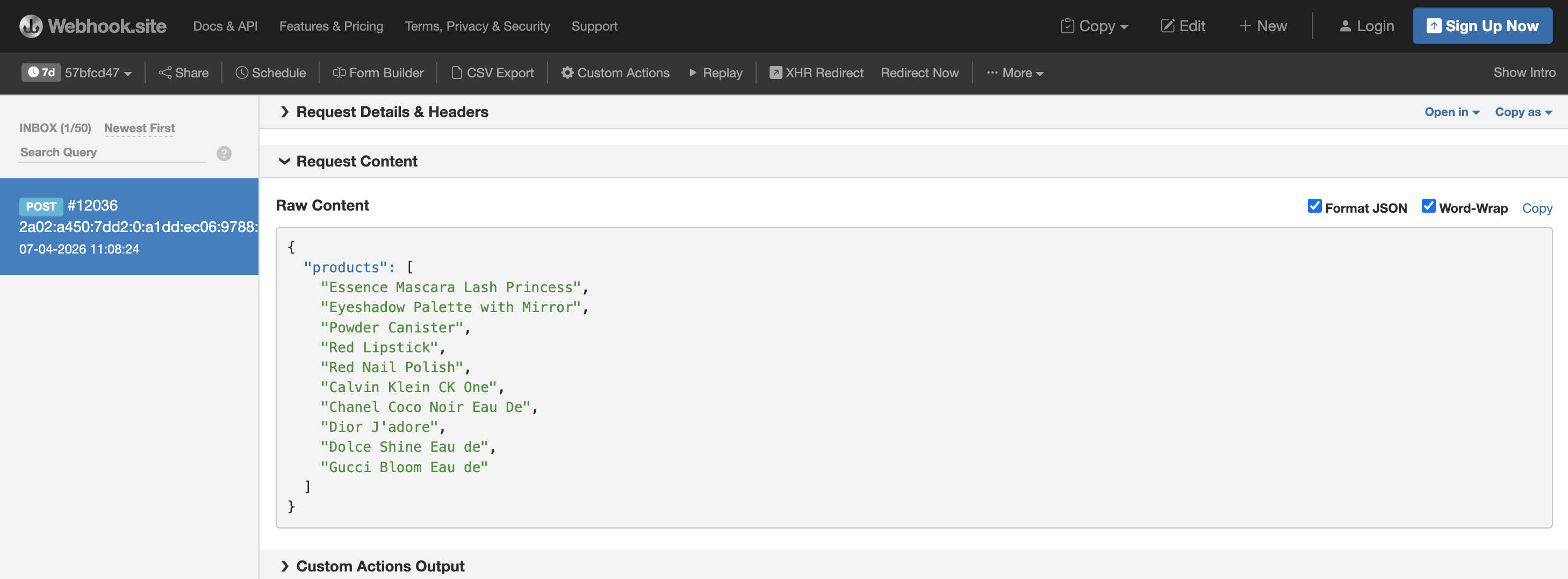
Within a few seconds, the package should have sent 10 product titles to the Webhook.site service. When you switch back to the browser tab with the Webhook.site URL, the products will now be listed: